Stop Typing Emails. Start Saying Them.
Word2Mail adds a mic button to Gmail. Speak naturally, and it reads the thread you're replying to and turns your words into a complete draft — greeting, paragraphs, and sign-off included.
Faster than typing, and it still sounds like you took your time.
Word2Mail only reads your email content to generate that draft — never to train AI models. You review every draft before it sends.
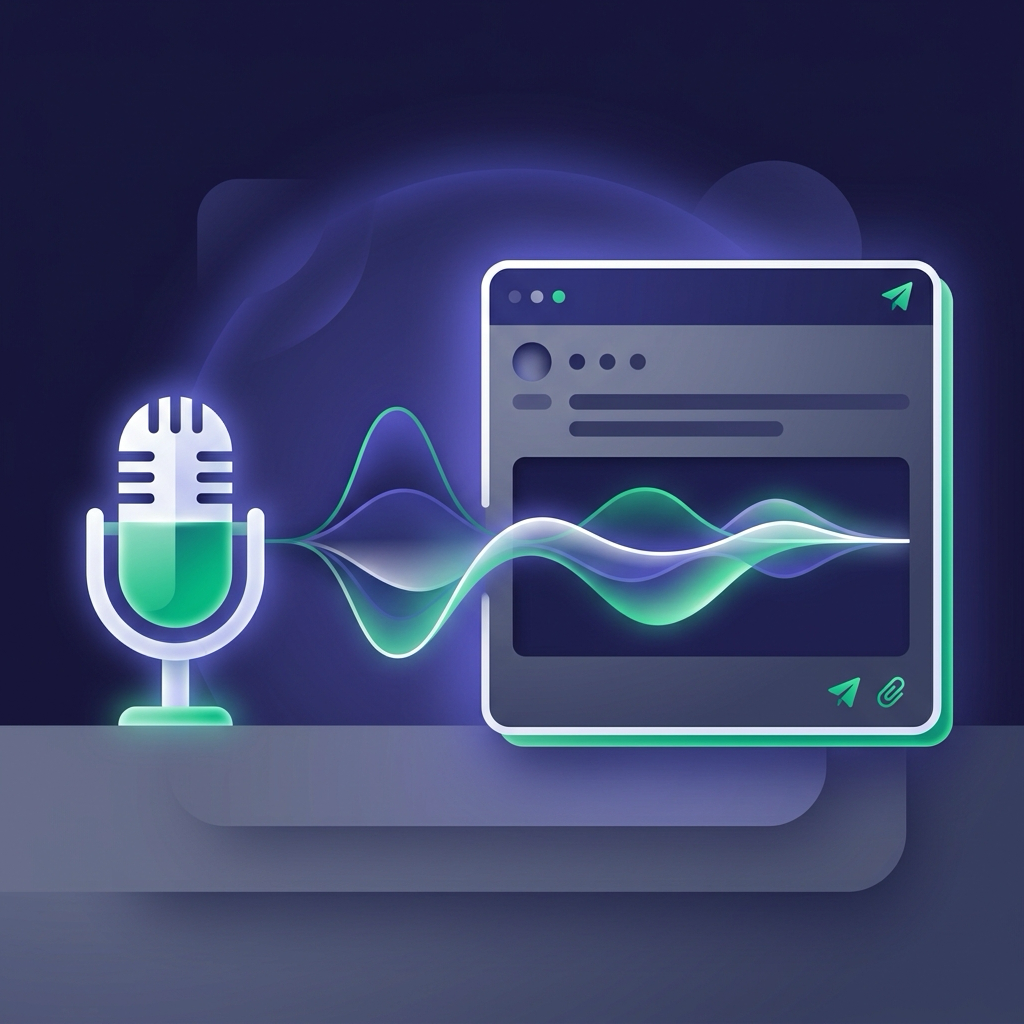
Voice Note to Sent Email. Three Steps.
Tap the Mic in Gmail
Word2Mail drops a microphone button straight into your compose and reply windows — no new app, no new tab.
Faster Than Typing, ObviouslySay What You Mean
Talk it through like you're explaining it to a colleague. No commands to learn, no formatting to think about.
Hands Free, Inbox EmptyRead It, Then Send It
Word2Mail hands you a finished, polished email — you get the final look before anything goes out, always.
Sounds Like You Had TimeA Draft, Not a Transcript
Word2Mail doesn't just write down what you said — it builds an actual email: a greeting, organized paragraphs, a sign-off with your name. Replying? It reads the existing thread first, so your answer actually answers what was asked.
Sounds However You Want It To
Pick professional, casual, or write your own custom instructions — every draft follows them, in whatever language your thread or instructions are already in.

Built in the EU. Private by Default.
Your email content exists to generate one draft, full stop — never to train a model. Word2Mail is GDPR-compliant, and nothing sends without your approval.